Amazon Kindle Review
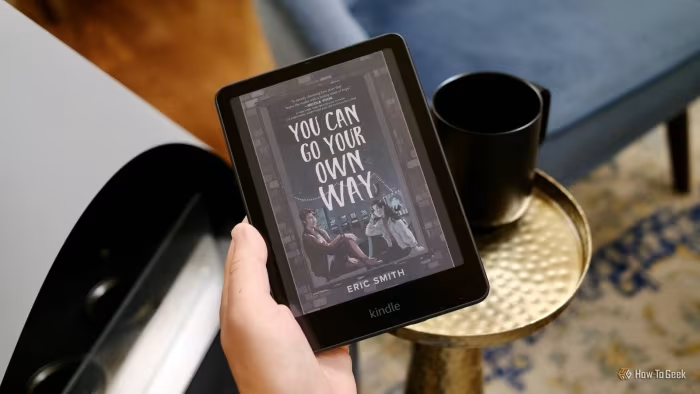
Amazon Kindle Series (2024-2026)
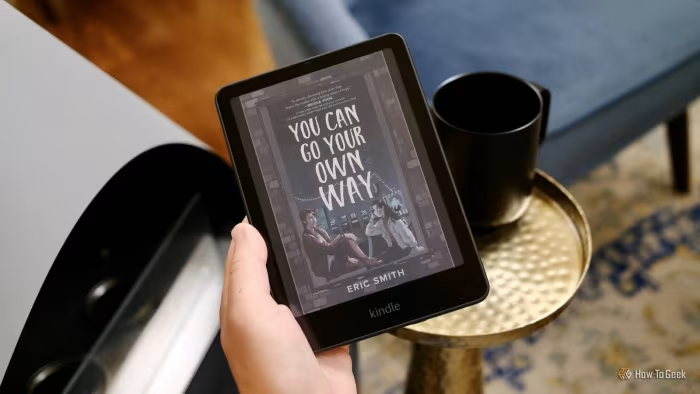
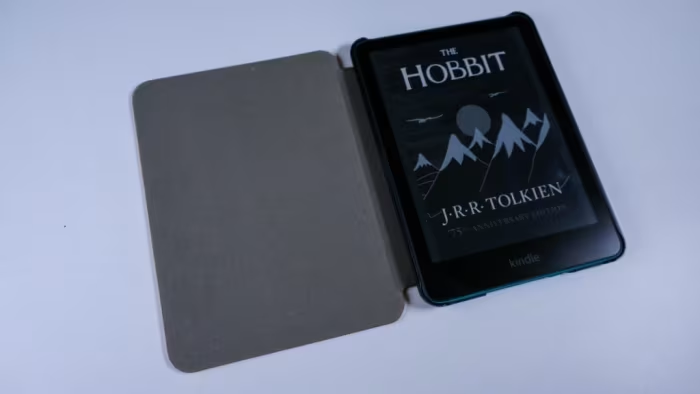
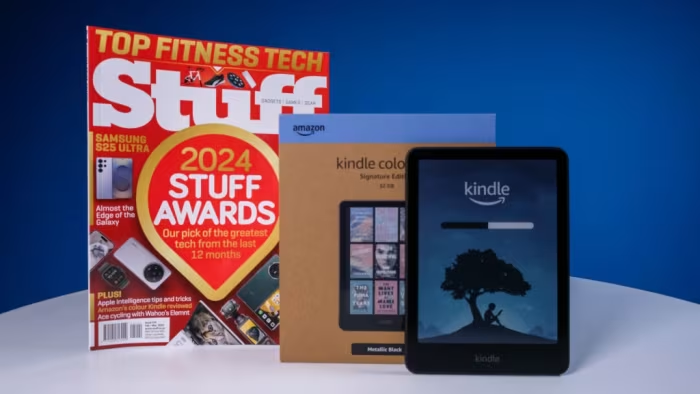
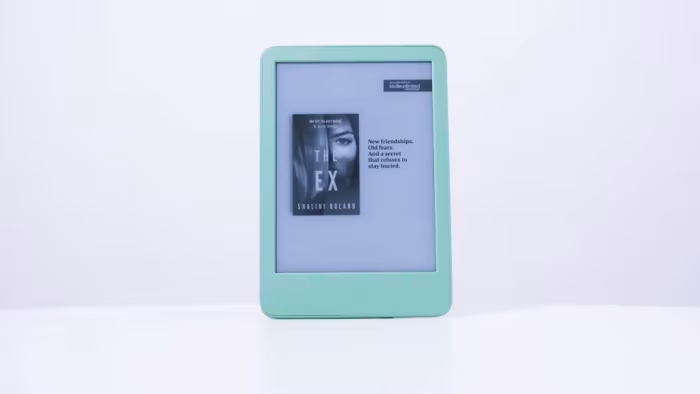
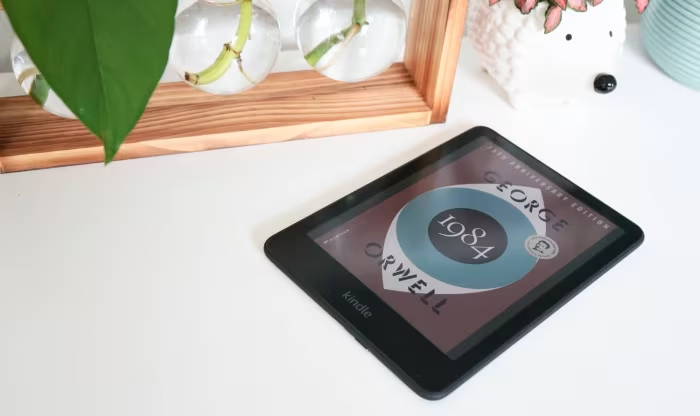
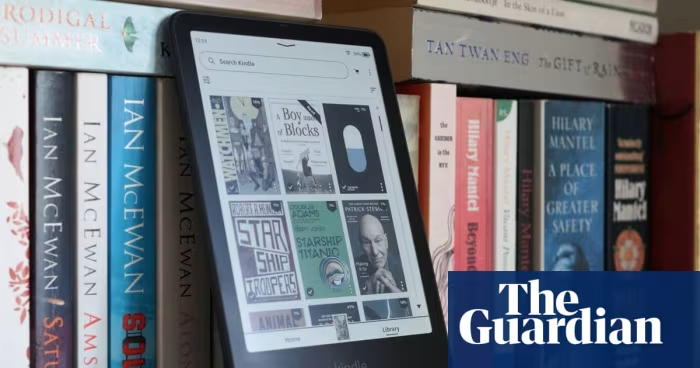
The Amazon Kindle series is a range of dedicated e-readers and E Ink tablets manufactured by Amazon, encompassing entry-level, Paperwhite, and Scribe models.
How This Score Is Calculated
- Sources analysed: 60 reviews
- Explicit scores: 42 sources (weighted 1.5×)
- Sentiment-only: 18 sources (weighted 1.0×)
- Raw weighted average: 7.8
- Formula: Σ(score × weight) ÷ Σ(weight)
- Review period: 2025-09-30 to 2026-11-30
Algorithmically calculated from source data. No manual adjustments.
- Most reviewed featureDisplay Quality (48/60)
- Most praisedDistraction-free focus
- Most criticisedHigh price (Scribe models)
- Reviewer consensus levelHigh
- Avg explicit reviewer score7.9/10
- Value for moneyGood Value (7.2/10)
The Kindle ecosystem currently occupies a dominant but increasingly challenged position in the e-reader market. While Amazon continues to refine its hardware with sharper displays and AI-enhanced productivity tools in the Scribe line, the category is shifting toward color E Ink and more open, versatile operating systems.
Amazon maintains a focus on a "walled garden" experience, prioritizing seamless integration with its massive digital library over the flexibility offered by emerging competitors. The current lineup is segmented sharply: budget-friendly, portable readers for casual use, and high-end, large-canvas E Ink tablets for readers and note-takers who are already heavily invested in the Amazon ecosystem.
🔧 Key Specifications
Specifications sourced from reviewer mentions. Verify with manufacturer for complete details.
- Display: 6-inch to 11-inch; E Ink Kaleido 3 (Colorsoft) or 300 ppi Monochrome
- Battery: Up to 8-16 weeks (varies by model and use)
- Charging: USB-C; select models feature wireless charging
- Storage: 16GB to 64GB (non-expandable)
- Connectivity: Wi-Fi, Bluetooth (audiobooks), USB-C
- Waterproofing: IPX8 (Paperwhite and Kids models)
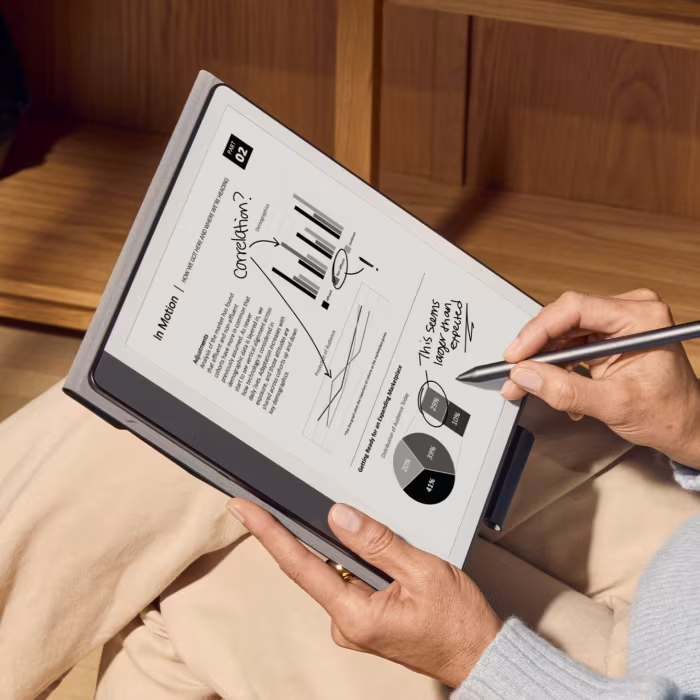
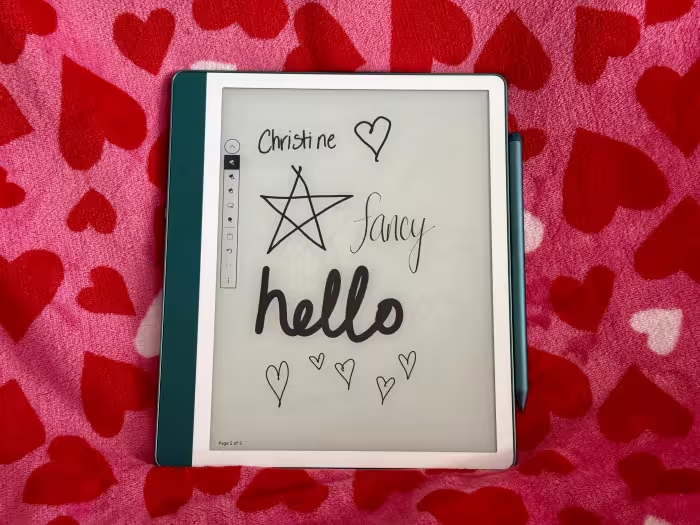
- Stylus: Included with Scribe models (pressure sensitive)
- AI Features: Summarization, search, and note refinement (Scribe)
💲 Price Range
₹5,800 – ₹62,000
Prices sourced from reviews. Check current retailer pricing.
📊 What Reviewers Say — Feature by Feature
All core features evaluated across 60 sources.
👍 Key Strengths
- Distraction-free reading environment
- Excellent battery longevity
- Sharp, eye-friendly 300ppi displays
- Seamless Amazon library integration
- High-quality, responsive stylus
👎 Key Weaknesses
- Restrictive, closed software ecosystem
- High price for premium models
- Lack of waterproofing on base models
- No physical page-turning buttons
- Limited color resolution (150ppi)
💰 Value for Money Analysis
The Kindle series offers a bifurcated value proposition. The base Kindle and Paperwhite models are widely considered excellent value for money, providing premium features like 300ppi screens and waterproofing at competitive prices. Conversely, the Scribe Colorsoft is frequently labeled as overpriced, with reviewers noting that the premium paid for color and note-taking features is difficult to justify against cheaper, more versatile alternatives.
42 of 60 sources commented on price or value.
⚡ Where Reviewers Disagreed
The following areas saw meaningful disagreement across sources.
- Writing Feel on Scribe: 18 sources praised the paper-like friction, while 12 criticized the experience as unnatural compared to dedicated note-taking tablets. No consistent explanation for the split was evident across sources.
- Color E Ink Utility: 22 sources found the color panel transformative for comics and annotation, while 15 argued the 150ppi resolution drop and muted colors were not worth the price premium. Disagreement often stems from the reviewer's primary use-case—those prioritizing comics vs. those prioritizing text-heavy reading.
🔎 Reading Between the Reviews
A clear pattern emerges: reviewers who value the Kindle as a "book bunker" for distraction-free reading are overwhelmingly positive, regardless of price. However, the sentiment becomes increasingly critical when the device is evaluated as a "productivity tablet." The more a reviewer attempts to use the Scribe for professional note-taking or third-party file management, the more they highlight the friction of Amazon's closed ecosystem compared to Android-based competitors like the Boox or TCL tablets.
🎯 Who This Product Is For
Reviewer recommendations for different target audiences and use cases.
🛠️ Best Use Cases
- Digital Minimalist ReadingPerfect for disconnecting from social media and notifications to focus purely on books.Great
- Comics and Graphic NovelsThe Colorsoft display makes visual content significantly more engaging, though the resolution is lower than monochrome text.Good
- Light Note-TakingExcellent for annotating PDFs and keeping a digital diary, though it lacks the advanced features of professional graphics tablets.Good
🔀 Alternatives Mentioned by Reviewers
- Kobo Clara Colour / Libra Colour — Widely cited as the primary Kindle competitor. Reviewers prefer these for their open ecosystem, physical page-turn buttons, and superior file format support.
- Onyx BOOX Note Air Series — The go-to alternative for those who want E Ink displays but require full Android functionality and third-party app access.
- reMarkable Paper Pro — Frequently compared to the Scribe for note-taking. Reviewers often find it offers a superior, more authentic paper-like writing feel, though it lacks the integrated reading ecosystem of the Kindle.
- TCL NXTPAPER — Recommended for students and professionals wanting a high-refresh, color screen that functions more like a traditional tablet for productivity.
Alternatives sourced exclusively from reviewer mentions.
🛒 Buyer's Guide
✅ Buy This If…
- You are already heavily invested in the Amazon ecosystem and Kindle library.
- You want a dedicated device that removes the distractions of your smartphone.
- You prioritize battery longevity and a comfortable, paper-like reading experience.
❌ Skip This If…
- You need a device that supports third-party apps or open-source reading software.
- You are a power user who requires advanced file management and cloud flexibility.
- You are on a tight budget and don't need premium features like color or note-taking.
⚠️ Things to Check Before Buying
- Check if your specific library system supports Kindle's format or if you need Kobo's Libby integration.
- Confirm if the AI features mentioned in reviews are supported in your specific region.
- Consider whether you actually need color; if you primarily read text, the monochrome Paperwhite is the consensus "best value" pick.
📈 Did Opinions Change Over Time?
Sentiment shifted on the following:
- Sideloaded PDF Annotation — 4 early reviews noted the lack of native editing as a major flaw; 3 later reviews (post-firmware 5.19.2) praised the device for finally allowing direct annotation.
The Kindle series remains the gold standard for dedicated readers who value a distraction-free, reliable experience. While the premium Scribe models offer impressive hardware and AI capabilities, their high price and closed ecosystem make the Kindle Paperwhite the consensus pick for most users. If you are deeply invested in Amazon's ecosystem, you will find the reading experience unmatched; if you value flexibility and open formats, look toward Kobo or Boox alternatives.
Top Alternative: Kobo Libra Colour — Choose this if you prefer physical buttons, open-source versatility, and seamless Libby integration over the Amazon ecosystem.